
How to Upgrade from a Used iPhone to a New iPhone: A Complete Guide for Kenyan Users
Meta Description: Looking to upgrade from your used iPhone to a brand-new model? This guide walks you through the process step-by-step, including selling your old device and buying a new one on Telefon.co.ke.
Introduction
Upgrading from a used iPhone to a new one is an exciting step, whether you're looking for better performance, improved camera quality, or the latest iOS features. In Kenya, platforms like Telefon.co.ke make this transition seamless by allowing you to sell your old device and purchase a new one in a few simple steps.
In this guide, we'll cover:
- Why upgrading makes sense
- How to sell your used iPhone on Telefon.co.ke
- How to buy a new iPhone on Telefon.co.ke
- Tips for maximizing value when upgrading
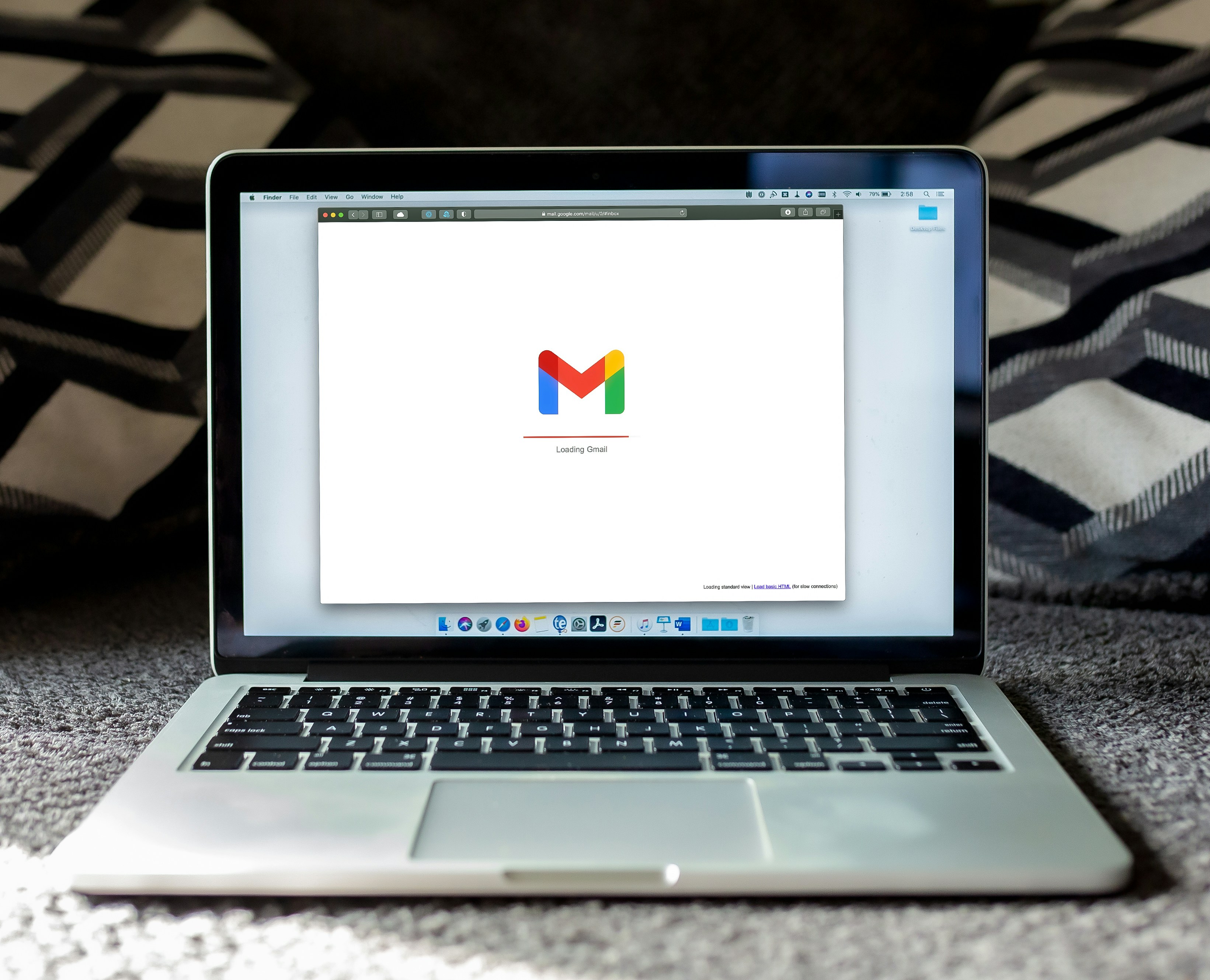
Upgrading to a new iPhone enhances performance and features.
Why Upgrade to a New iPhone?
1. Better Performance
Newer iPhones come with faster processors, improved battery life, and smoother multitasking. If your current iPhone lags or struggles with battery drain, an upgrade will make a noticeable difference.
2. Superior Camera Quality
Each new iPhone generation introduces better camera technology. Whether you're a content creator or just love taking photos, upgrading ensures sharper, more vibrant images.
3. Longer Software Support
Apple provides iOS updates for several years, but older models eventually lose support. A new iPhone guarantees you’ll receive the latest security patches and features.
4. Higher Resale Value Later
Buying a new iPhone today means you can sell it at a better price in the future compared to keeping an older model longer.
Step 1: Sell Your Used iPhone on Telefon.co.ke
Before buying a new iPhone, selling your old one helps offset the cost. Here’s how to do it on Telefon.co.ke:
1. Visit the Sell Page
Go to Telefon.co.ke/sell to start the process.
2. Enter Your iPhone Details
Fill in the multi-step form with:
- Model (e.g., iPhone 12, iPhone 13 Pro)
- Storage capacity
- Condition (Excellent, Good, Fair)
- Any defects (scratches, battery health)
3. Confirm the Recommended Price
Telefon.co.ke will display a fair market price based on your phone’s condition.
4. List Your iPhone
Click "Confirm Sale", review the details, and submit your listing.
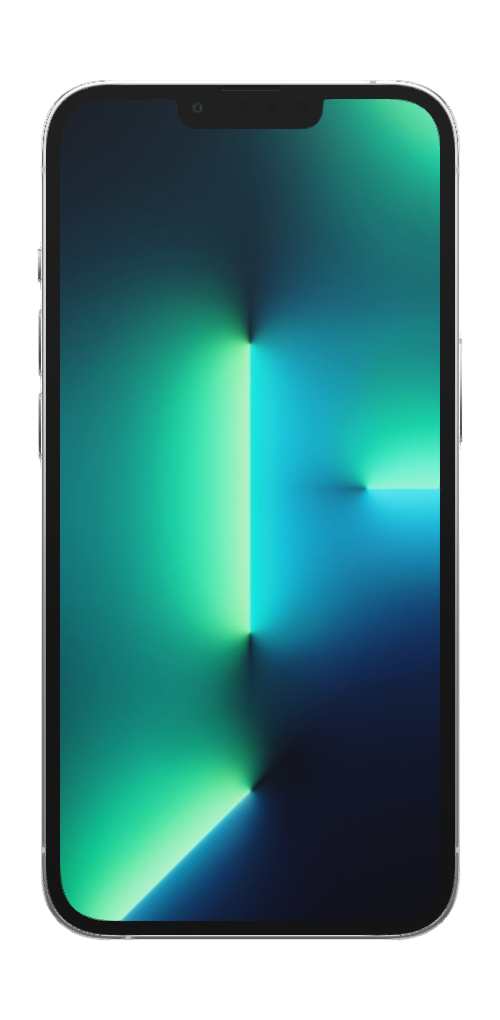
Selling your used iPhone is quick and easy on Telefon.
Step 2: Buy a New iPhone on Telefon.co.ke
Once your old iPhone is listed (or sold), follow these steps to purchase a new one:
1. Visit the Buy Page
Go to Telefon.co.ke/buy to browse available models.
2. Select Your Preferred iPhone
Choose from the latest models like:
- iPhone 16 Pro Max (for the best camera and performance)
- iPhone 15 Plus (for a large display at a lower cost)
- iPhone 14 (for budget-friendly upgrades)
3. Check Specifications
Click "Specifications" to see details like storage, color options, and battery health.
4. Proceed to Checkout
- Step 1: Confirm the phone’s details.
- Step 2: Enter your delivery and contact info.
- Step 3: Choose a payment method (M-PESA, Save-to-Buy, Trade-in, or Cash on Delivery).
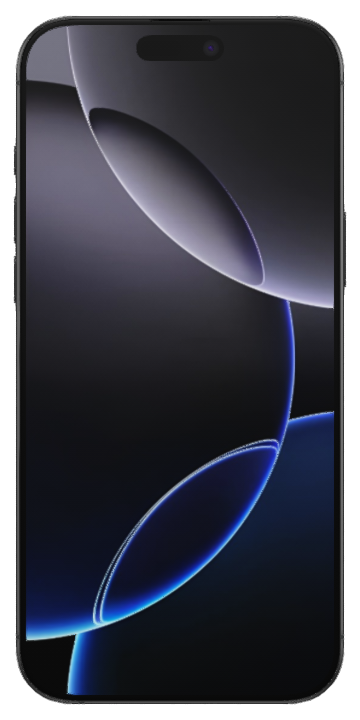
The iPhone 16 Pro Max offers cutting-edge features.
Step 3: Payment & Delivery
Payment Options
- M-PESA: Instant and secure mobile payments.
- Save-to-Buy: Pay in installments.
- Trade-in: Exchange your old iPhone for credit.
- Cash on Delivery: Pay when your phone arrives.
Delivery Process
Telefon.co.ke offers fast, reliable delivery across Kenya. Once your payment is confirmed, expect your new iPhone within 1-3 business days.
Tips for a Smooth Upgrade
1. Back Up Your Old iPhone
Use iCloud or iTunes to save contacts, photos, and apps before selling.
2. Clear Personal Data
Go to Settings > General > Reset > Erase All Content and Settings before handing over your old phone.
3. Compare Prices
Check multiple listings on Telefon.co.ke to ensure you get the best deal.
4. Consider Trade-In Deals
If you don’t want to sell separately, trade in your old iPhone for instant credit toward a new one.
Conclusion
Upgrading from a used iPhone to a new one is a smart move for better performance, camera quality, and software support. With Telefon.co.ke, selling your old device and buying a new one is hassle-free.
Ready to upgrade?
Have questions? Join the discussion on Telefon’s Forum and connect with other iPhone users in Kenya!
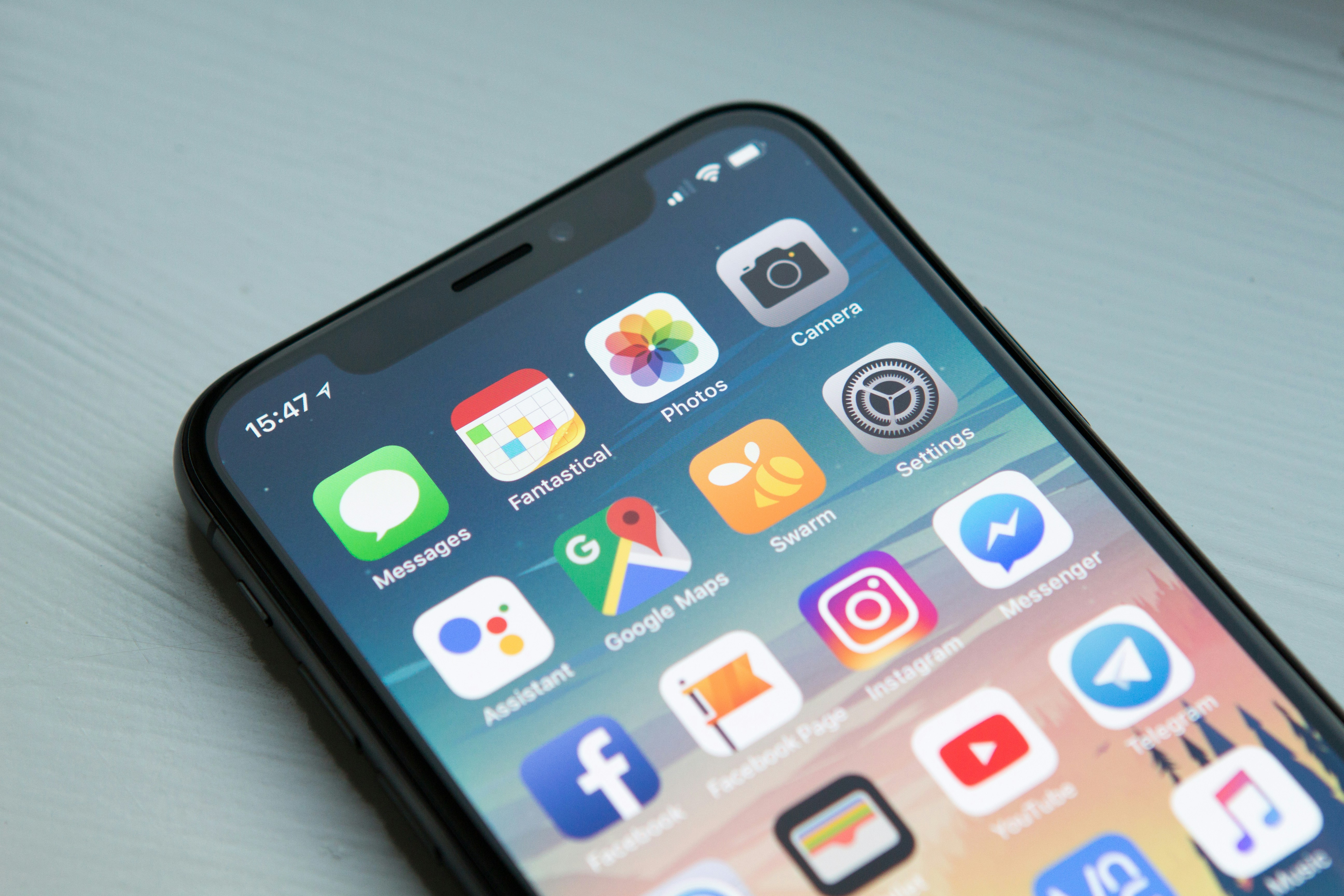
Upgrade today and enjoy the latest iPhone features!
Author: Drake Ocholi
Published on: Telefon Blog
Follow us on social media for more tips!


Comments
Post your comments